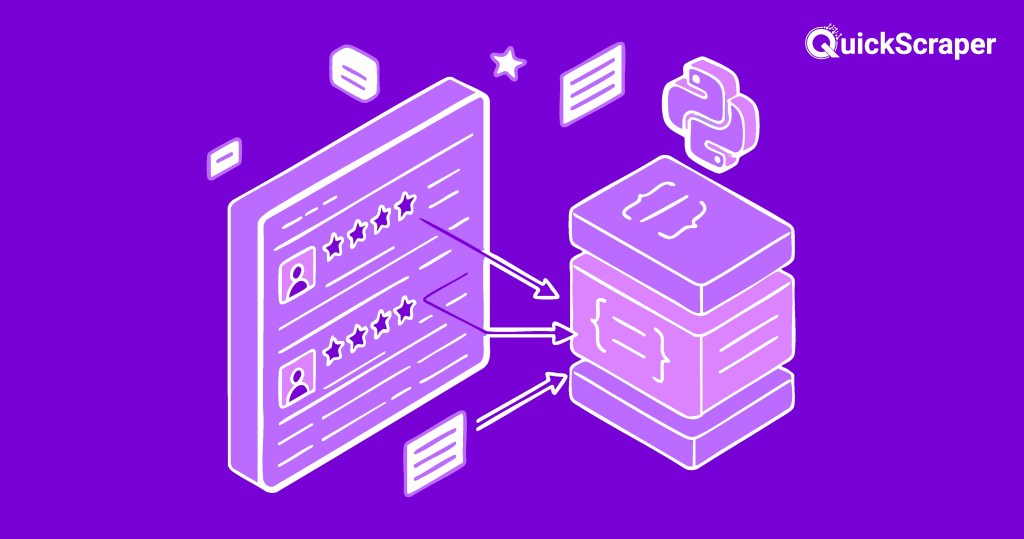
Web scraping is the process of extracting data from websites automatically. In this blog post, we’ll learn how to scrape Yelp data using Python and the quickscraper-sdk library. Yelp is a popular platform for finding and reviewing local businesses, and scraping its data can be useful for various purposes, such as market research, data analysis, or building your own applications.
Prerequisites
Before we start, make sure you have the following prerequisites installed:
- Python (version 3.6 or later)
quickscraper-sdk library (you can install it using pip install quickscraper-sdk)
You’ll also need to sign up for a free account on QuickScraper to obtain an access token and a parser subscription ID, which are required to use the quickscraper-sdk library.
Step 1: Import Required Libraries
First, let’s import the necessary libraries:
from quickscraper_sdk import QuickScraper
import json
Here, we’re importing the QuickScraper class from the quickscraper-sdk library and the json module for working with JSON data.
Step 2: Initialize the QuickScraper Client
Next, we’ll initialize the QuickScraper client with our access token:
quickscraper_client = QuickScraper('YOUR_ACCESS_TOKEN')
Replace 'YOUR_ACCESS_TOKEN' with the access token you obtained from the QuickScraper website.
Step 3: Scrape Yelp Data
Now, let’s scrape the data from a Yelp business page using the getHtml method of the QuickScraper client:
response = quickscraper_client.getHtml(
    '<https://www.yelp.com/biz/the-snug-san-francisco?osq=Restaurants>',
    parserSubscriptionId='b8481b16-a5be-53ce-b5ee-361e90380ab7' #get this from app.quickscraper.co/user/request
)
In this example, we’re scraping data from the Yelp page for “The Snug” restaurant in San Francisco. Replace the URL and parserSubscriptionId with the appropriate values for the page you want to scrape.
Step 4: Extract Desired Data
After scraping the page, we can extract the desired data from the response. In this example, we’ll extract the “popular dishes” data:
popularDishes = response._content['data']['popularDishes']
This line extracts the popularDishes data from the scraped response and stores it in the popularDishes variable.
Step 5: Save Data to a JSON File
Finally, we can save the extracted data to a JSON file for further processing or analysis:
with open('popularDishes.json', 'w') as file:
    json.dump(popularDishes, file)

print("popularDishes saved to 'popularDishes.json' file.")
This code creates a new file named popularDishes.json and writes the popularDishes data to it in JSON format. You can then load and process this data in your Python script or share it with others.
Conclusion
In this blog post, we learned how to scrape Yelp data using Python and the quickscraper-sdk library. We covered the steps to initialize the QuickScraper client, scrape a Yelp business page, extract the desired data, and save it to a JSON file. With this knowledge, you can now scrape Yelp data for various purposes, such as market research, data analysis, or building your own applications.
Remember, web scraping should be done responsibly and in compliance with the website’s terms of service. Always respect robots.txt files and implement measures to avoid overwhelming the target website with excessive requests.
Happy scraping!